

Buying guide · Tech
Mini PCs Worth Considering in 2026
By the REALNEWS HUB team · Updated Oct 8, 2026, 16:14 UTC
We earn a commission when you buy through links on this page. As an Amazon Associate we earn from qualifying purchases. Prices and availability can change; check the shop before you buy.
This guide is designed for anyone looking to reclaim desk space or set up a compact home office, media hub, or light workstation without a bulky desktop tower. Modern mini PCs offer impressive versatility, ranging from ultra-low-power systems for basic web browsing to multi-core machines capable of demanding productivity workloads.
We selected these recommendations from the options available in our Shop, evaluating processor tiers, memory configurations, and connectivity across budget-friendly and performance-focused price tiers. Keep in mind that product availability and retail prices change regularly.
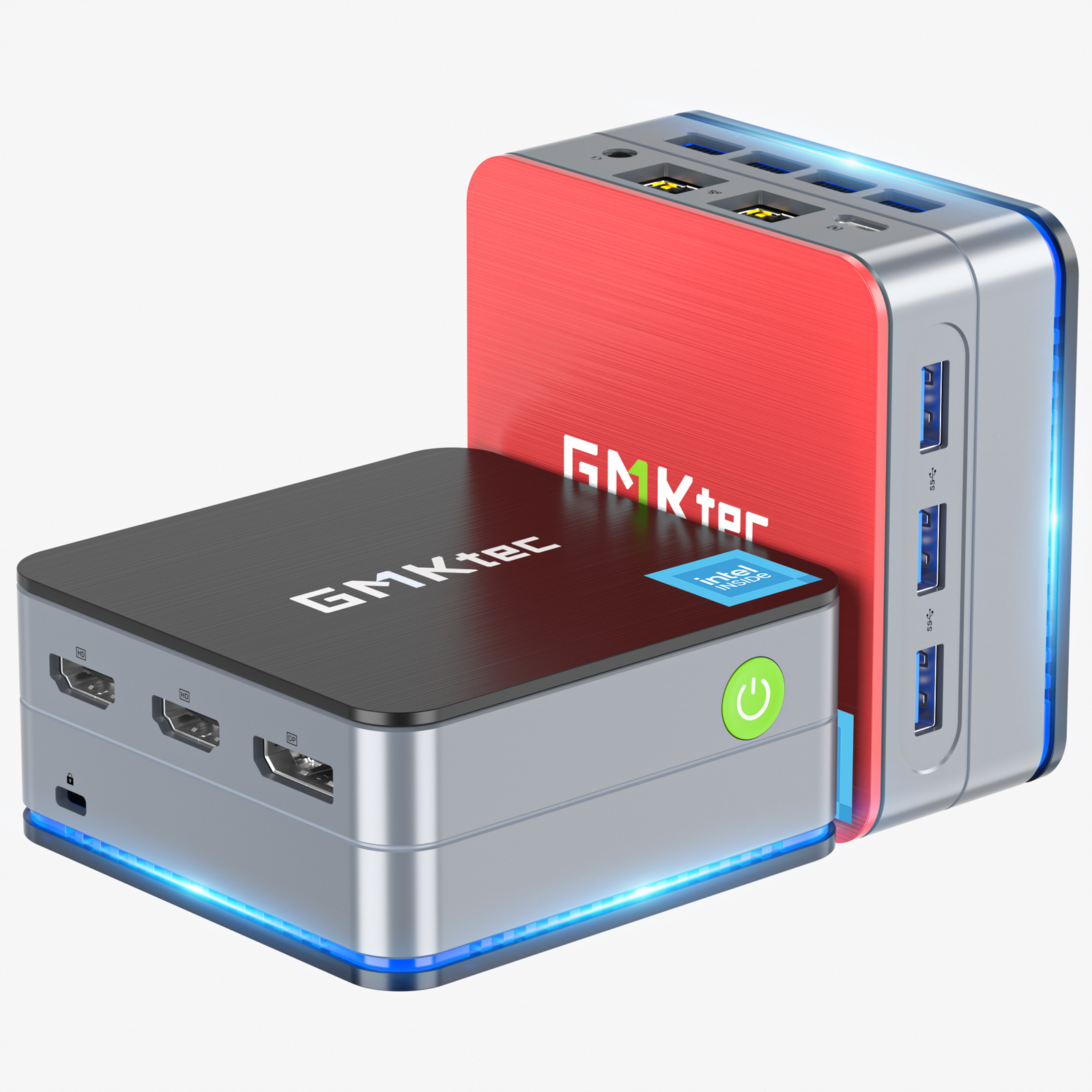
1.Budget Office Compact
GMKtec NucBox G2 Mini PC Intel® 12th Alder Lake N100
GMK Tec
Powered by an Intel N100 quad-core chip with 12GB of onboard LPDDR5 memory and a 1TB SATA drive, the G2 handles everyday web browsing, office documents, and light multitasking. It includes dual Gigabit LAN ports, Wi-Fi 6, and support for up to three 4K displays.

2.Balanced Intel Workhorse
GMKtec NucBox K7 Mini PC Intel® 13th Core i5 13500H
GMK Tec
Equipped with a 12-core, 16-thread 13th Gen Intel Core i5-13500H processor, 32GB of DDR5 memory, and Intel Iris Xe graphics, the K7 is built for heavier multitasking. It supports up to three displays via HDMI, DisplayPort, and a full-featured USB4 Type-C port.

3.AMD Productivity Pick
AMD Ryzen 7 7735HS Mini PC--NucBox K2
GMK Tec
Featuring an 8-core AMD Ryzen 7 7735HS processor and integrated Radeon 680M graphics, the K2 suits users needing dependable compute and graphics power. It supports dual-channel DDR5 memory up to 64GB and includes an M.2 NVMe PCIe SSD.

4.High-End Ryzen Power
AMD Ryzen 9 7940HS Mini PC--NucBox K4
GMK Tec
With an 8-core, 16-thread Ryzen 9 7940HS chip built on a 4nm process and Radeon 780M graphics, the K4 provides top-tier processing in a tiny footprint. It ships with 32GB of DDR5 memory and a 1TB PCIe 4.0 NVMe SSD.

5.AI-Enabled Intel System
GMKtec NucBox K9 Mini PC Intel® Ultra 5 125H
GMK Tec
The K9 features Intel's 1st Gen Core Ultra 5 125H processor, equipped with a 7-core Intel Arc GPU and an integrated AI Boost NPU with dual Gen 3 engines designed specifically to accelerate local hardware AI workloads.
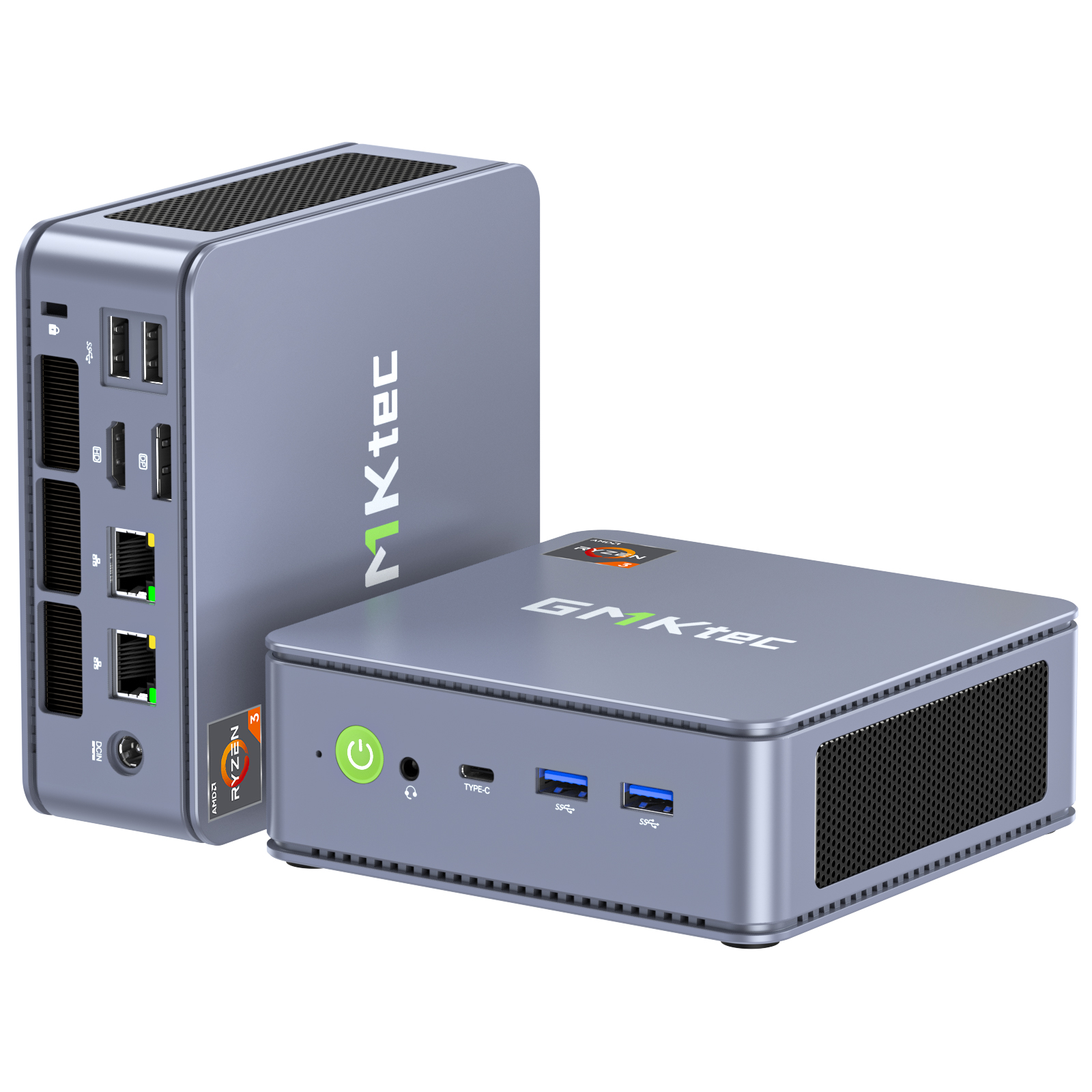
6.Affordable AMD Networking
GMKtec NucBox G6 Mini PC AMD Ryzen™ 3 5425U
GMK Tec
The G6 pairs an AMD Ryzen 3 5425U processor with dual 2.5G RJ45 Ethernet ports, Wi-Fi 6E, Bluetooth 5.2, and a dual cooling fan setup, making it an appealing budget option for network routing, home servers, or casual desktop work.
What to look for
When shopping for a mini PC, your primary consideration should be the processor and intended use case. Lower-power chips like Intel N-series processors excel at basic office tasks, streaming, and lightweight browsing with minimal heat and power consumption. For heavier multitasking, content creation, or casual gaming, look toward multi-core processors like AMD Ryzen 7 or Intel Core i5 and i7 mobile chips with stronger integrated graphics.
Pay close attention to memory and storage configurations before placing an order. Some mini PCs ship fully equipped with RAM, an SSD, and a pre-installed operating system, while barebone versions require you to supply and install your own components and software. Check whether memory is soldered onto the motherboard or uses upgradeable SO-DIMM slots, as well as the available M.2 drive formats.
Port selection and display support are equally critical, especially if you plan to use multiple monitors. Verify the exact video outputs available, such as standard HDMI, DisplayPort, or full-featured USB-C ports that support display signals. Also ensure the unit includes sufficient USB ports for your peripherals and check for networking features like Wi-Fi generation and Ethernet port speeds.
Lastly, review the manufacturer warranty, return policy, and included accessories. Check what power adapter is included and confirm plug compatibility for your region, along with any included mounting hardware such as VESA brackets if you plan to mount the PC behind a display.